< Return To Home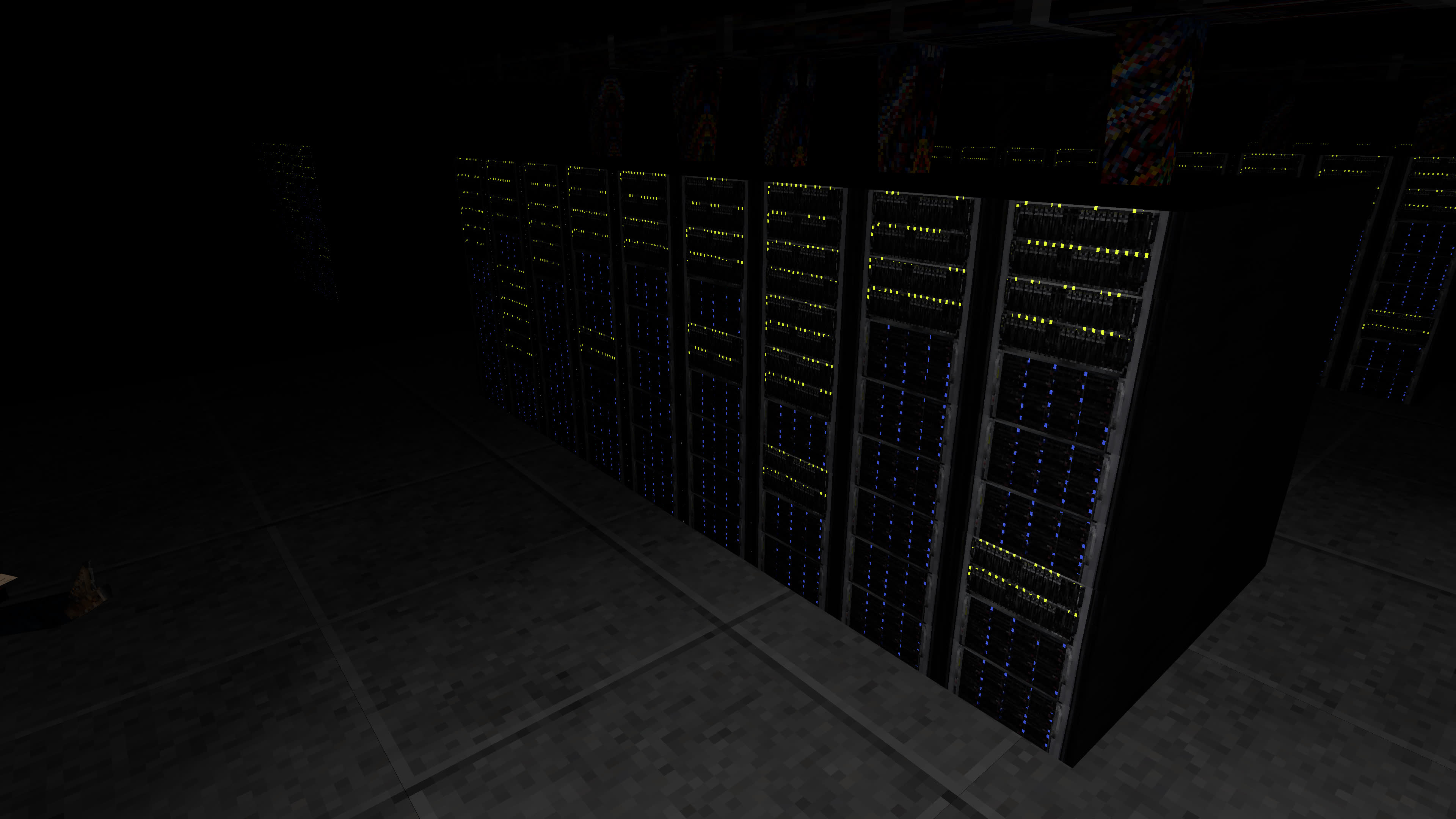
 The focus of the game jam was to create a retro-themed game within VRChat. The worlds would be part of a "demo disc" (not physical, but as a group), similar to the demo disks you would get with your PlayStation.My initial thought process with the game jam was to make something of a "horror" theme. Though I didn't really want to make a traditional horror game. Despite the fact that I do enjoy horror, I generally can't tolerate it as much as I wish.As such, I wanted to make an unsettling game that had scary elements, but that wasn't overtly "scary" with horrifying imagery per-say. The retro-style helped with achieving this goal.I unfortunately lost all of my Blender projects at some point so I can't show a lot of the original development. However, I can try to show other aspects of the development.
 This jam featured two hard limits (that I was specifically focused on):It is limited to a 4x4 grid here due to performance. The code would run very fast in Mono/IL2CPP, but Udon's assembly makes this particularly challenging. I spent a significant amount of time reducing the number of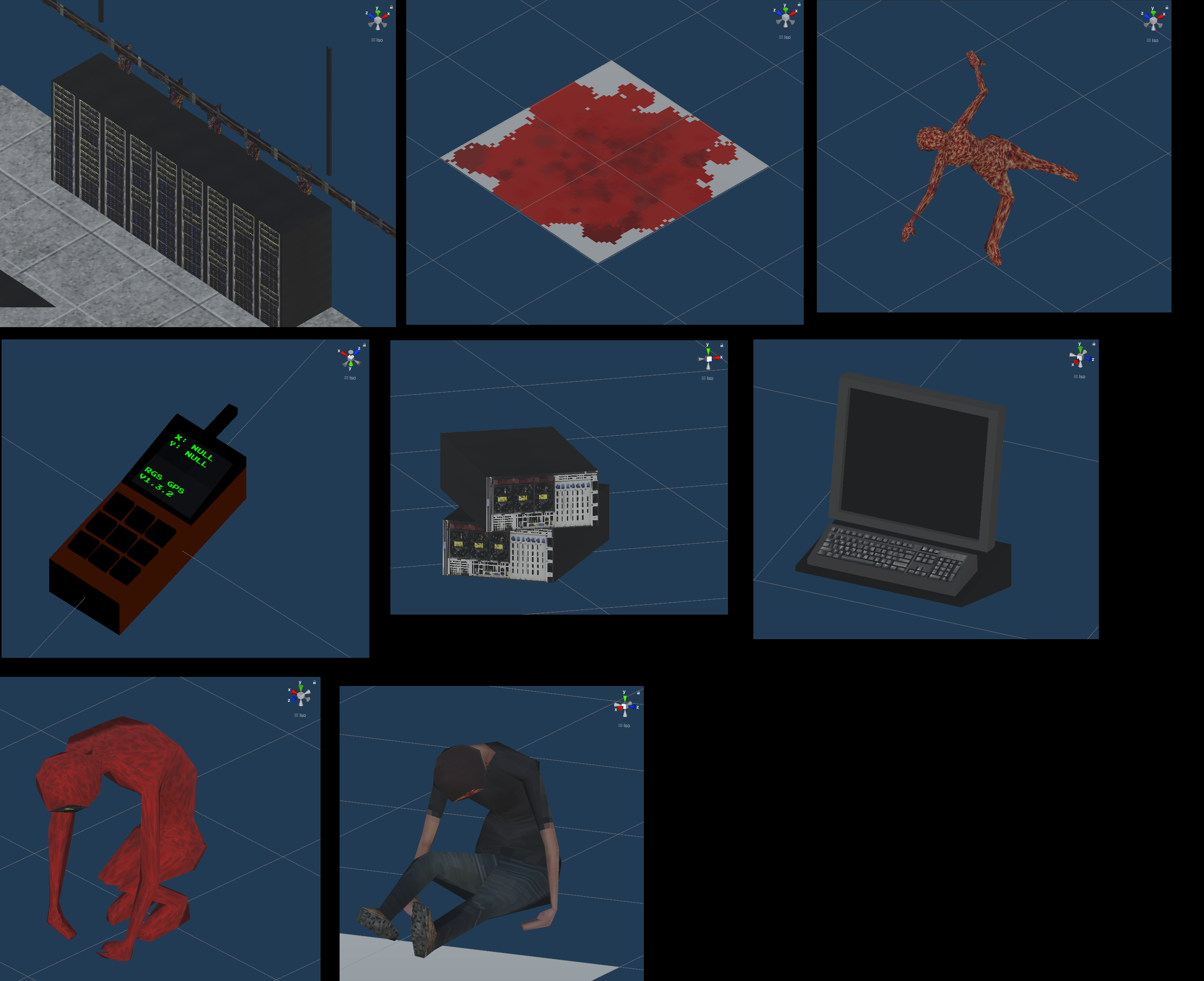
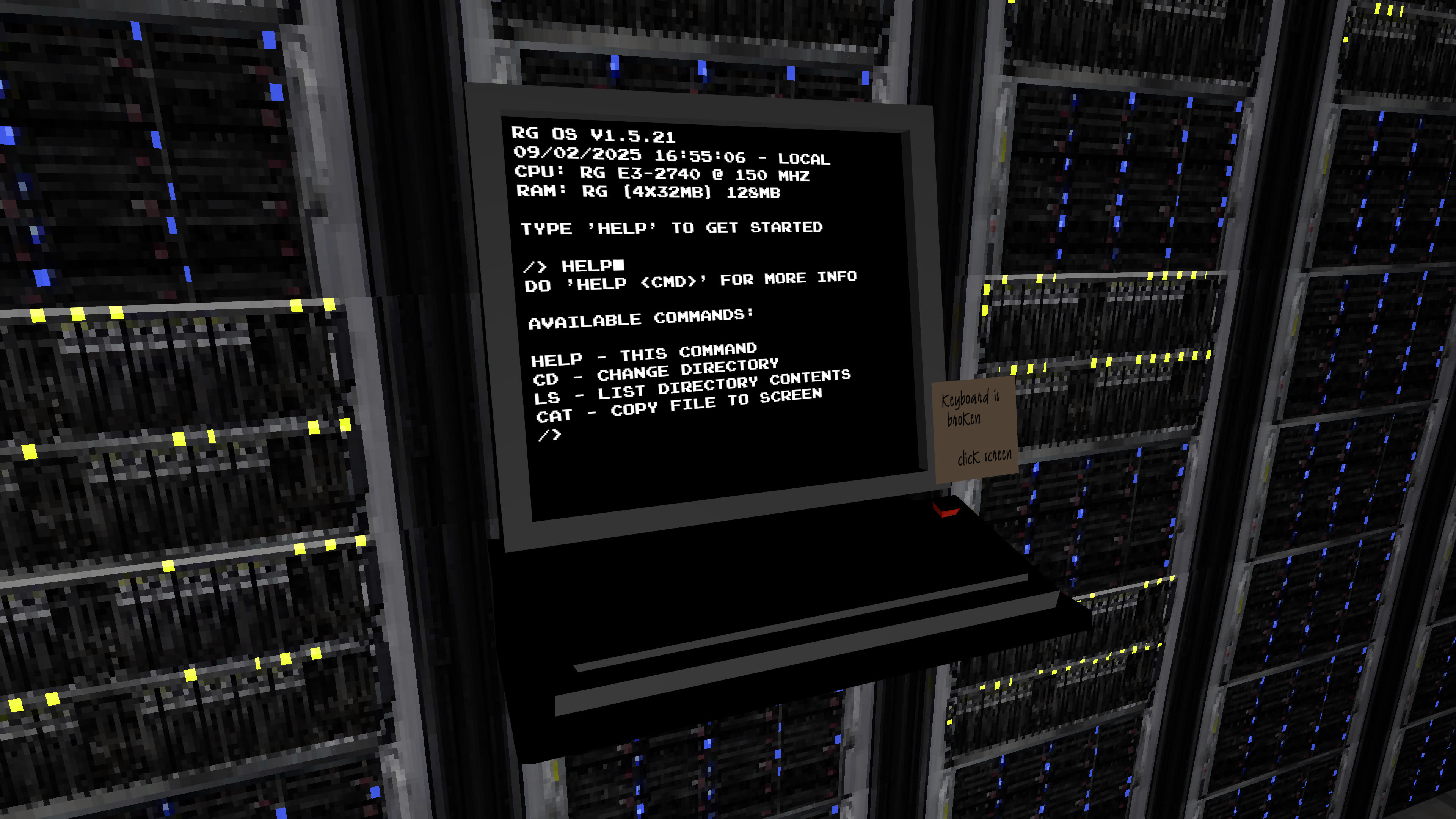 This included an interactable interface using the VRC keyboard (by clicking on the display) and a navigatable filesystem. It isn't anything complex like a real operating system, but it is enough of an interface that it could be expanded into something useful if needed.As with any VRC project, the entire console was programmed using UdonSharp. It was really fun to come up with this system and see it in action. For me, it provides an in-depth experience. Just the fact that you have to focus and learn a new system adds so much to the thriller aspect to the game.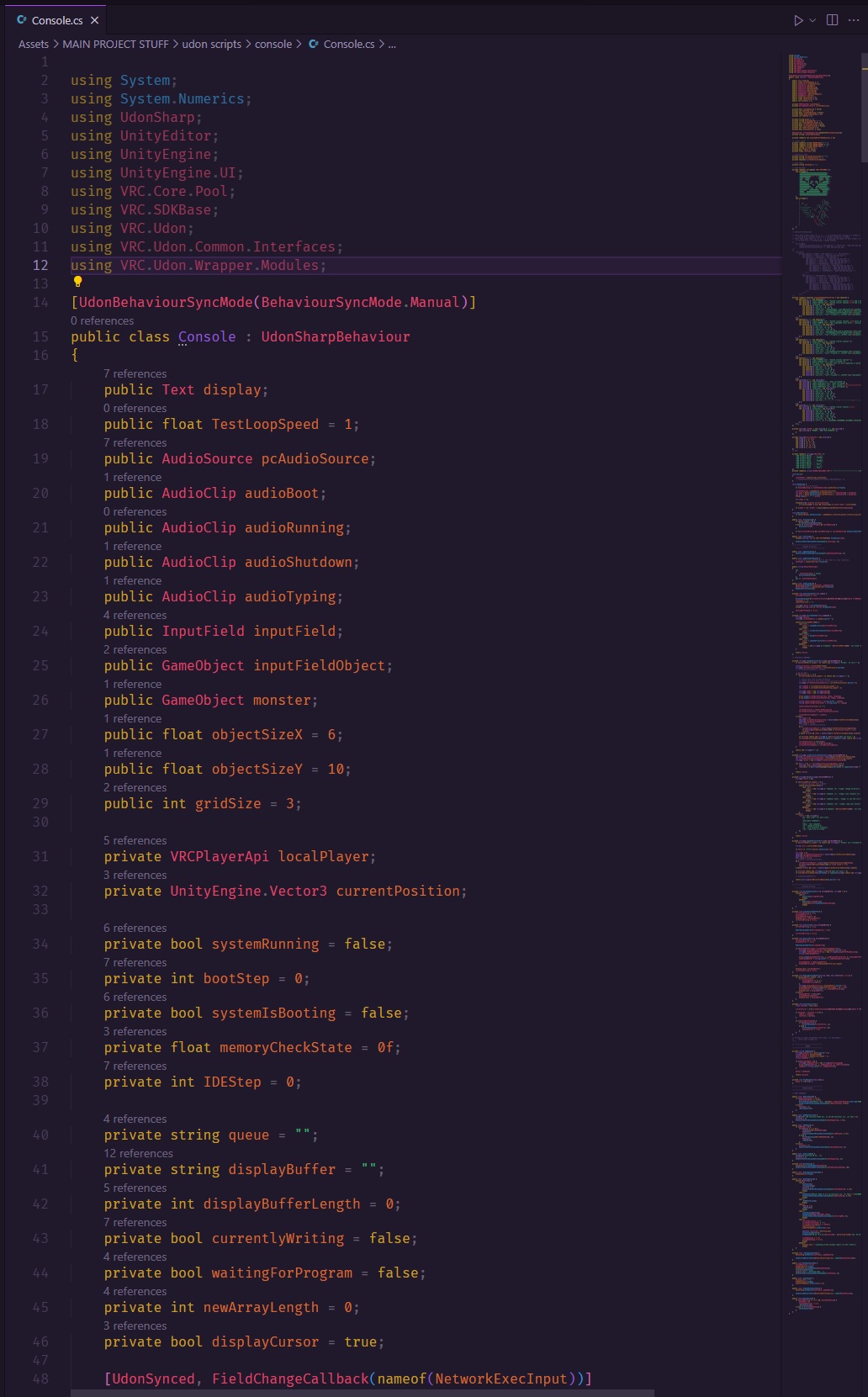
RG Solutions
Retro Jam
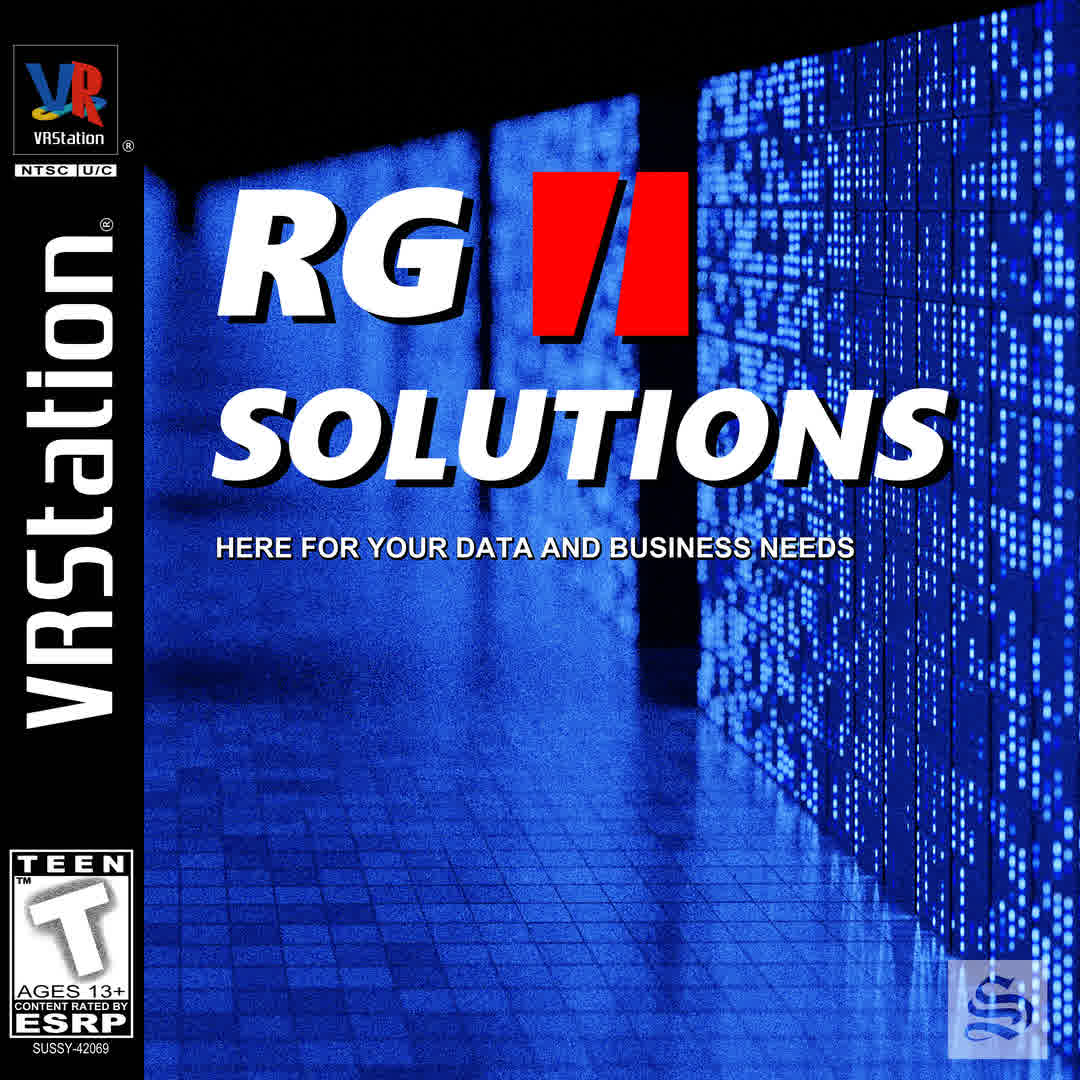
RG Solutions is a VRChat game world that I created for Rollthered's PS1 Challenge game jam.> The fake PlayStation-style game cover that I made for the VRChat world thumbnail.
🛠 Development
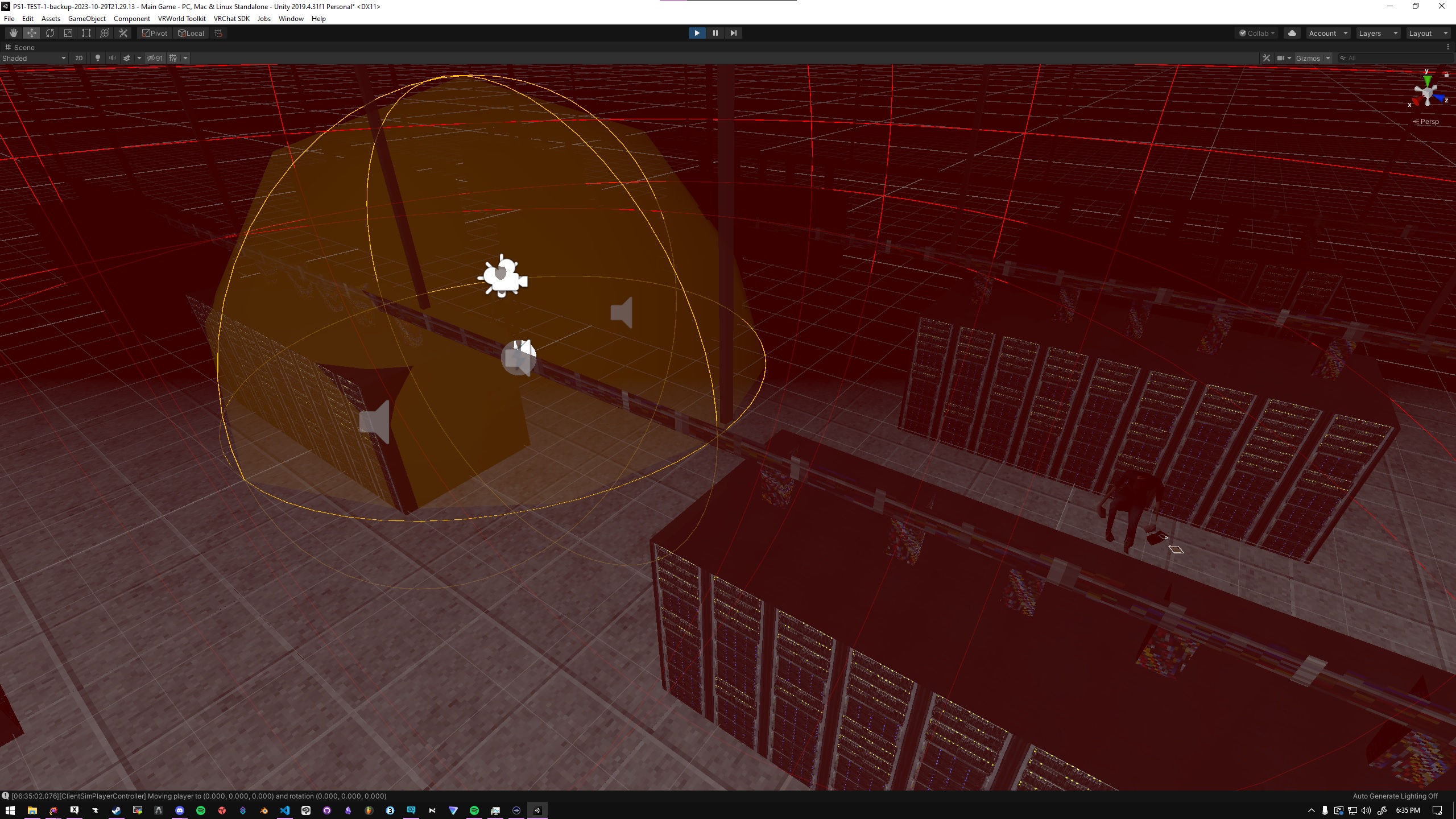
This was the first time I had ever actually started and "finished" a video game project. The concept was simple enough, the scope was realistic (scope creep still happened 😅), and I was able to get it done within the time frame.> The Unity 2019 Project, showing the game running. This includes many audio sources (the spheres with wireframes) and an overhead POV of the starting area.
- No more than 15,000 polygons in the entire game.
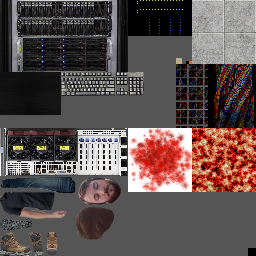
- Limited to a single 256x256 trim sheet.
✨ Reusing assets! ✨
I realized that I could just make a low-poly asset to use as the floor. Then I could tile this infinitely by spawning/destroying them.I believe I explored the spawn/destroy concept in the editor, but it provided subpar performance results. I also believe I learned that spawning/destroying objects was not permitted in VRChat anyways.Instead, I was able to just transform the tiles based on the player position. This unfortunately causes a rare bug where you fall through the floor, because the physics doesn't register your player capsule touching the floor while it's transforming. Despite this, it worked well for both function and performance.> A video showing the automatic tiling feature in the game.
EXTERN calls and overall just optimizing the UASM. I probably could've gotten away with 6x6, but I also wanted to make sure it could run on Quest (since being Quest-compatible was part of the jam requirements).🌲 Environment
Creating the environment was relativley straightforward, but also surprisingly challenging.The models are low poly, so actually creating them wasn't necessarily difficult. What was difficult was designing the models with the trim sheet limitation in mind. Not only do you have to try to maximize this trim sheet to fit as much semi-detailed stuff as possible, but you have to design the assets from the ground up with this limitation in mind.Through this challenge, I found a new process for myself, and really overcame a limitation of my own mind. I used to be so worried about optimizing things from the get-go, especially with the VRChat restrictions on avatars. However, in this case, I had to confront the fact that this approach would not work.What I settled with instead was: Design the thing with no limitations in the first place, then apply the limitations later and see how it can be trimmed down. This conveniently fits into the majority of game/asset development anyways, since you're starting with a very highly detailed model and later optimizing the model through simpler geometry and baking.> Examples of the models used in the game.
🖼️ Textures
The textures were the most fun part of the project.I remember learning about Mario64 and the textures they used versus what they looked like in-game. This gave me the perspective that I could take any image or photo and pretty much just crunch it into my texture atlas.After all of the optimizations I did even up doing to try to preserve as much space on my texture atlas as possible... I was shocked that I actually had a fair bit of empty space!> The entire texture atlas used for the game.
🖥️ The Console
Part of the game loop are the consoles.I wanted to have something more than just someone walking through a spooky area. I wanted the game to be interactive. So I decided to have an element where the user has to not only interact, but pay attention to the game.Spoilers for the game:While there are some spooky features to the game, not all of which are known, there are no actual jumpscares. I was planning to add some more in-depth interactions, but basically: You will never active have something coming after you.The real sauce of it comes from the terminal interactions. In order to progress, you need to find all 6 consoles, only findable through the previous console's filesystem. You need to navigate the console like a real command-line interface in order to learn more about the world and move forward.> The server console used in the game.
> The code for the server console for the game, totaling 750 lines of UdonSharp code.
✍️ Conclusion
This challenge provided a necessary set of hurdles for me to overcome. It was an accessible challenge due to the retro-styled nature of it, but it still proved to be challenging for me.The best part of all of it was figuring out my own limitations, accepting some compromises, and then later seeing how I could actually achieve much more than I normally would, since I was forced to re-prioritize tasks instead of perfecting everything. It was one of the few times I was able to entirely engross myself in something new and have a lot of fun with it.🖼️ Gallery
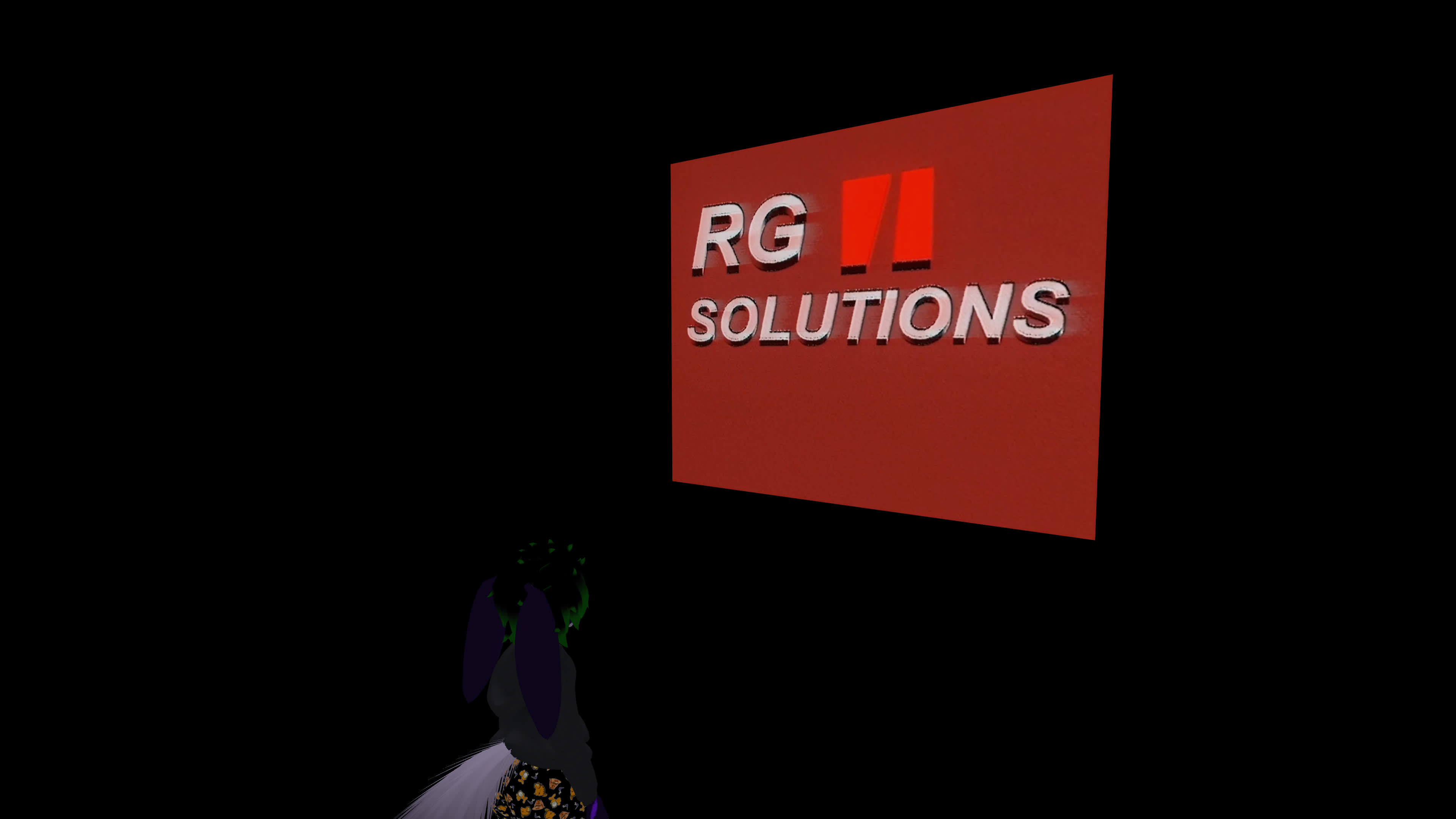
Since I don't exactly have a carousel component yet, here is a collection of images of the game, including the game's YouTube trailer.> Me standing in front of the start screen where the trailer plays.
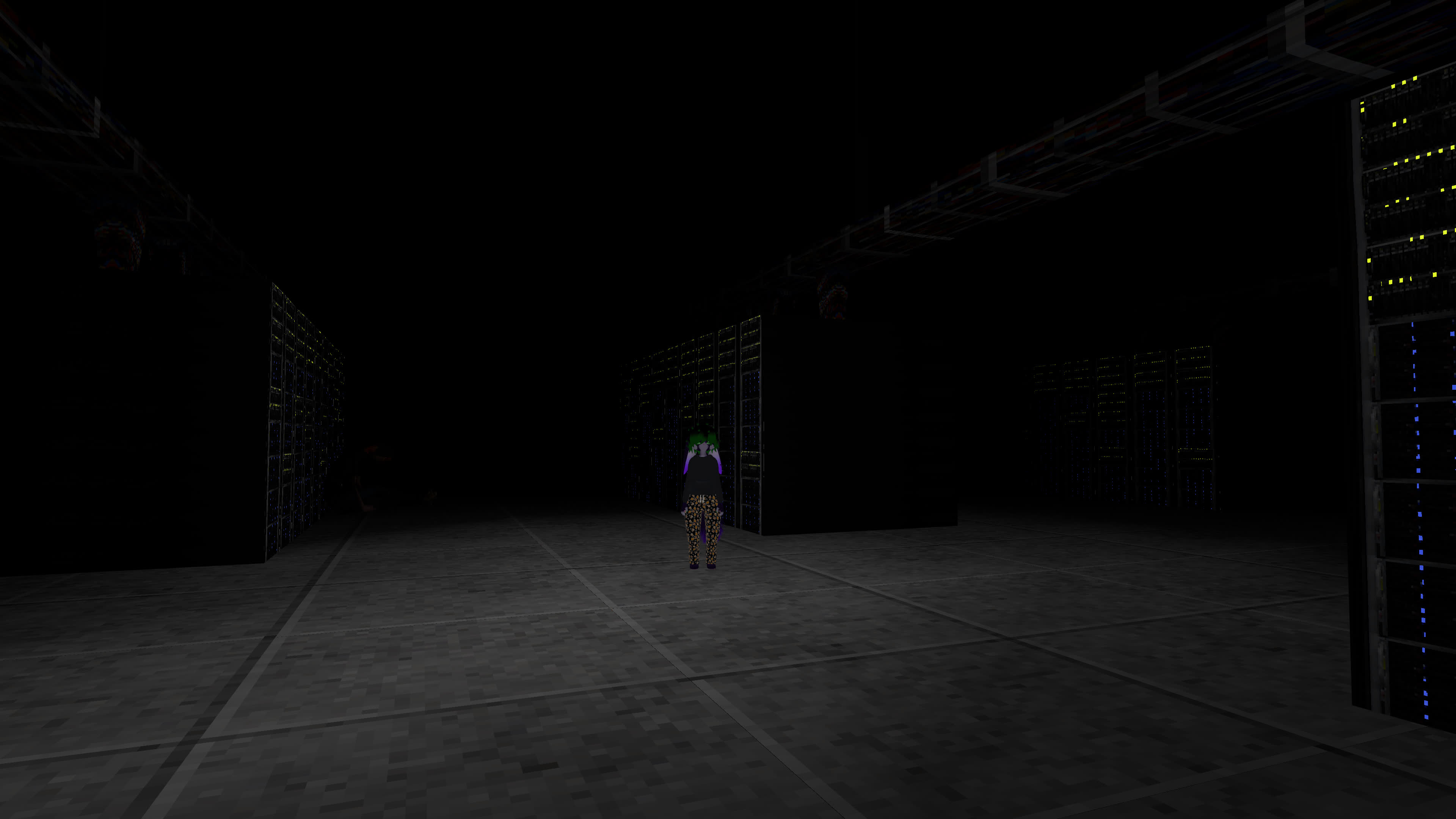
> Me standing in the middle of some server racks, with a light focused around my player, reflecting off the floor and surrounding server racks.
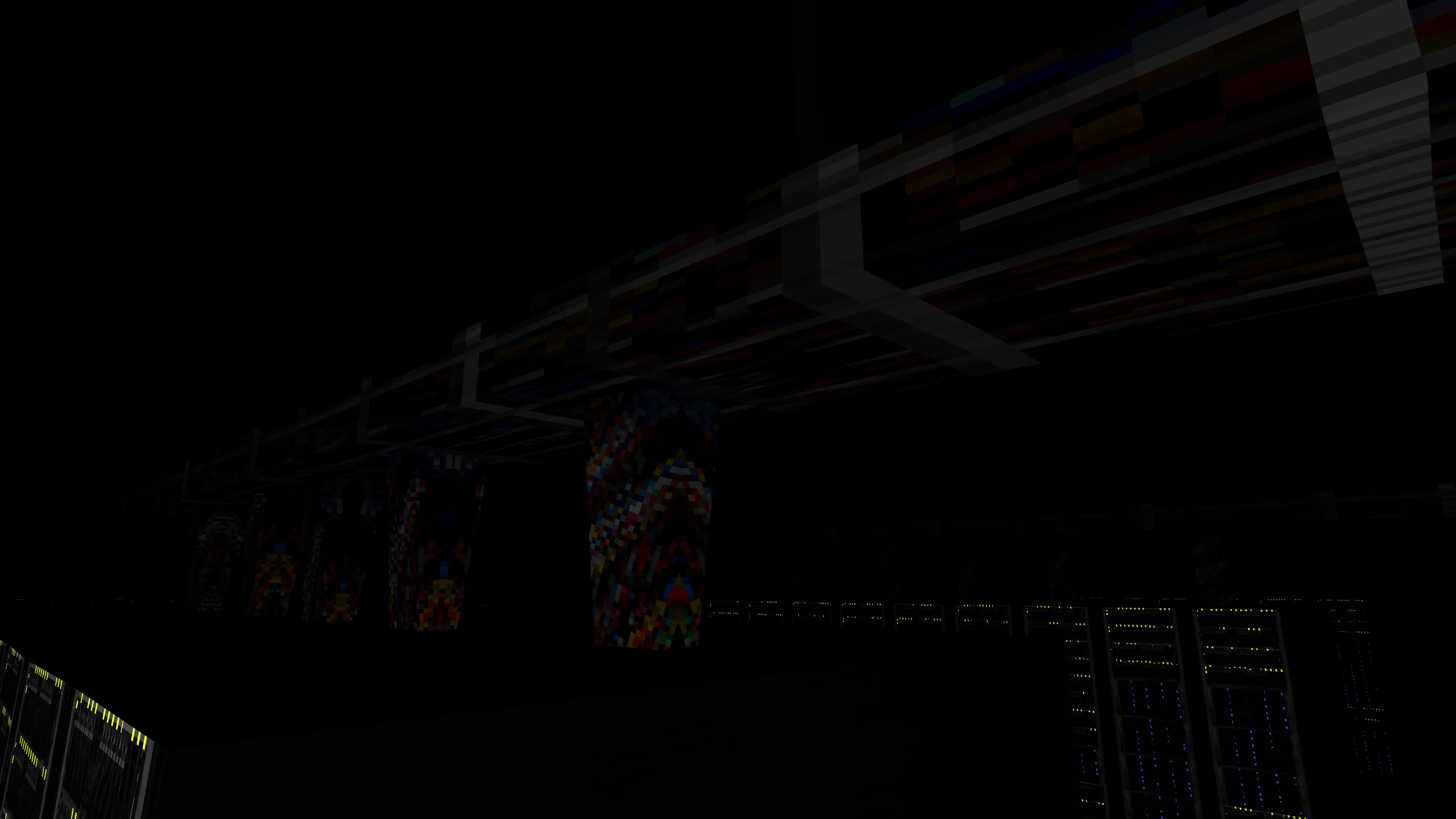
> The cable bundles and overhead wiring that go into the server racks.
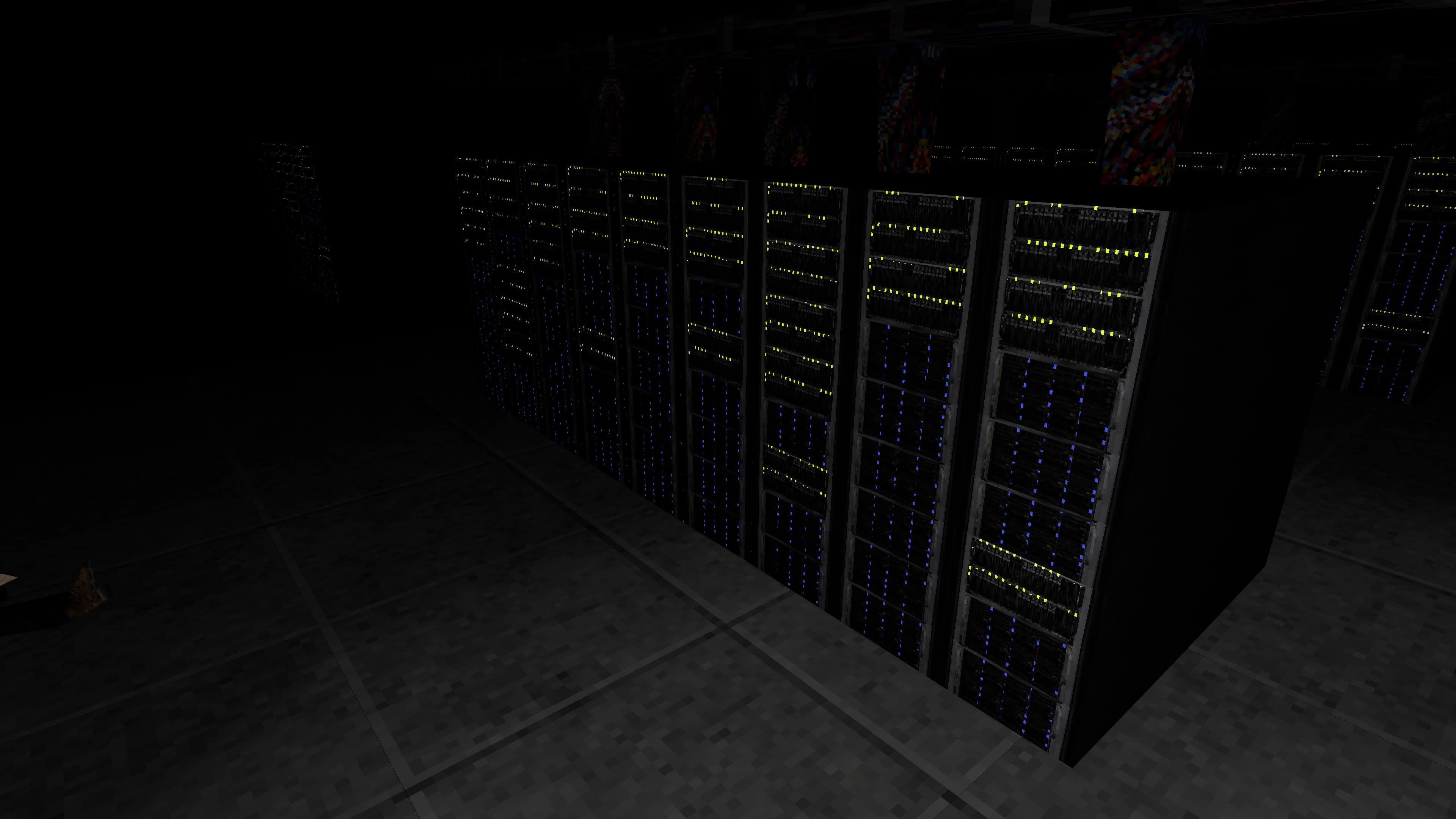
> A photo of one set of server racks, showing the glowing LEDs of the rack in yellow and blue.
> The console that the user interacts with.
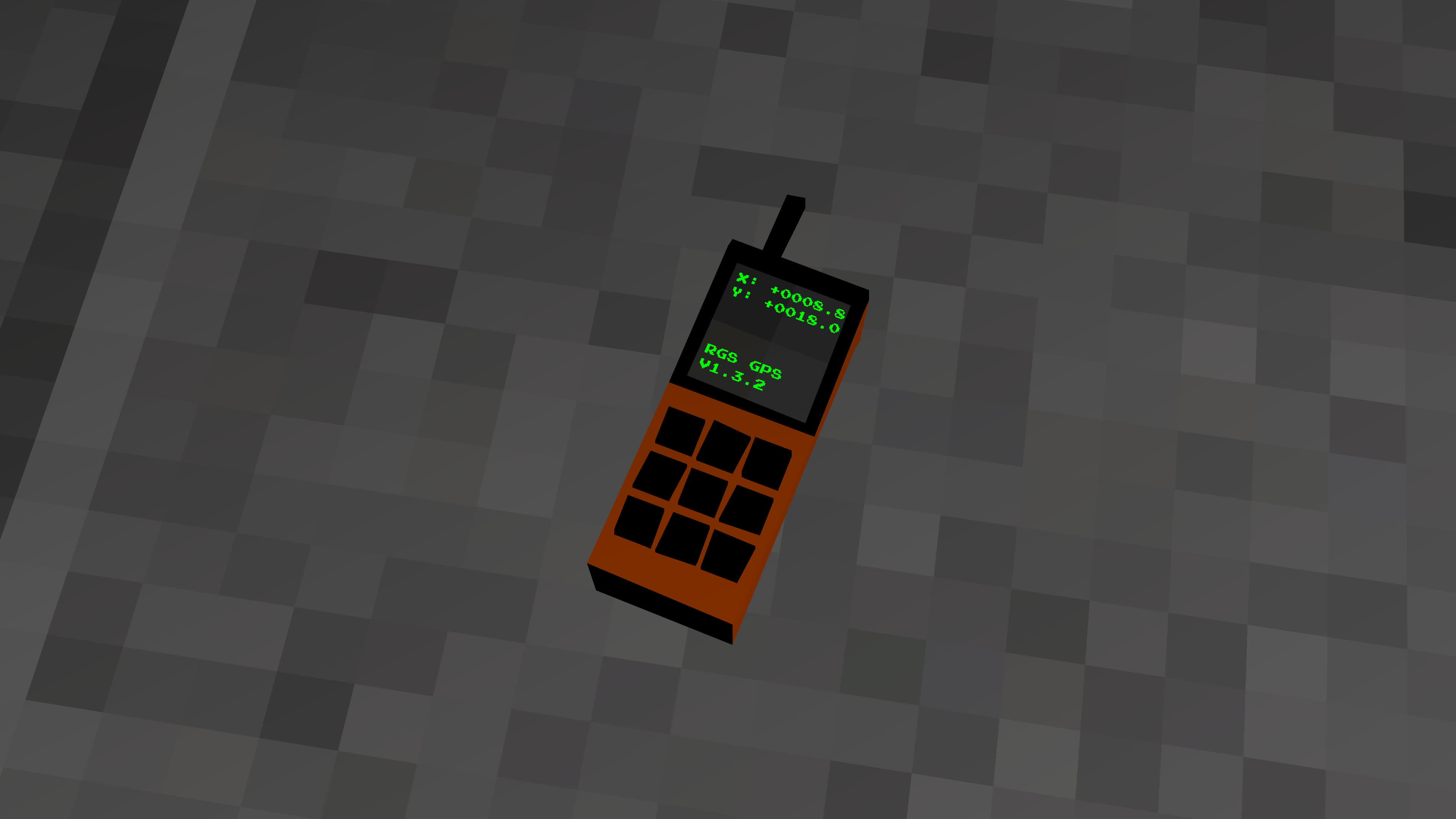
> The GPS that the user would use to navigate the game world.
© 2025 Kyle Barr - All Rights Reserved